

Start with familiar photos
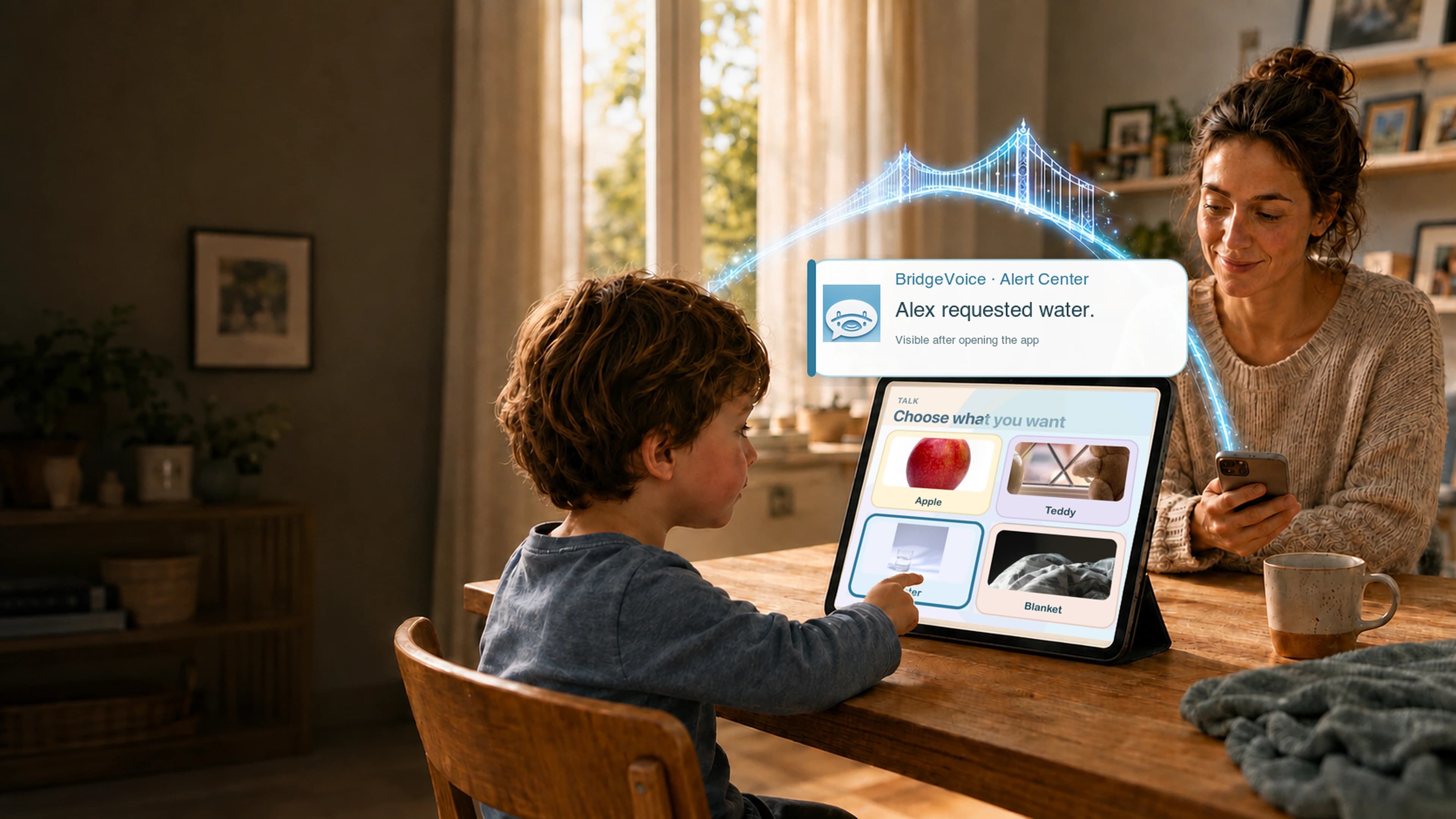
Parents can add the people, foods, places, and everyday choices a child already recognizes.
Parent-managed, photo-based communication
BridgeVoice turns familiar photos of food, drinks, toys, people, and routines into large, tappable communication choices—with words parents control.
iPhone & iPad first · No ads · Core communication works offline after setup
Concept scene
Parents can add the people, foods, places, and everyday choices a child already recognizes.
Every tile can have its own label and spoken phrase, with Talk, Feelings, and sentence-building choices.
A Parent PIN protects changes while the child-facing experience stays focused on communication.
See the current product
Forty seconds of real BridgeVoice screens showing Talk, Calm, routines, and parent-selected voices.
40 seconds · Sound optional · English captions included
Try it yourself
One picture can speak a complete parent-set message. No sentence building is required. Sound plays only after you tap a photo or voice option.
Choose a photo
The photo label and spoken message can be different. A parent chooses both in BridgeVoice.
BridgeVoice Voice
Parent chooses Female or Male

Parent-set message
“I would like food, please.”
Tap any photo to hear the current app voice.
Optional caregiver alert preview
Parent-controlled
BridgeVoice
BridgeVoice alert—open the app.
Preview only. A caregiver notification is possible only when a parent enables alerts for that category and an approved caregiver allows notifications.
Inside BridgeVoice
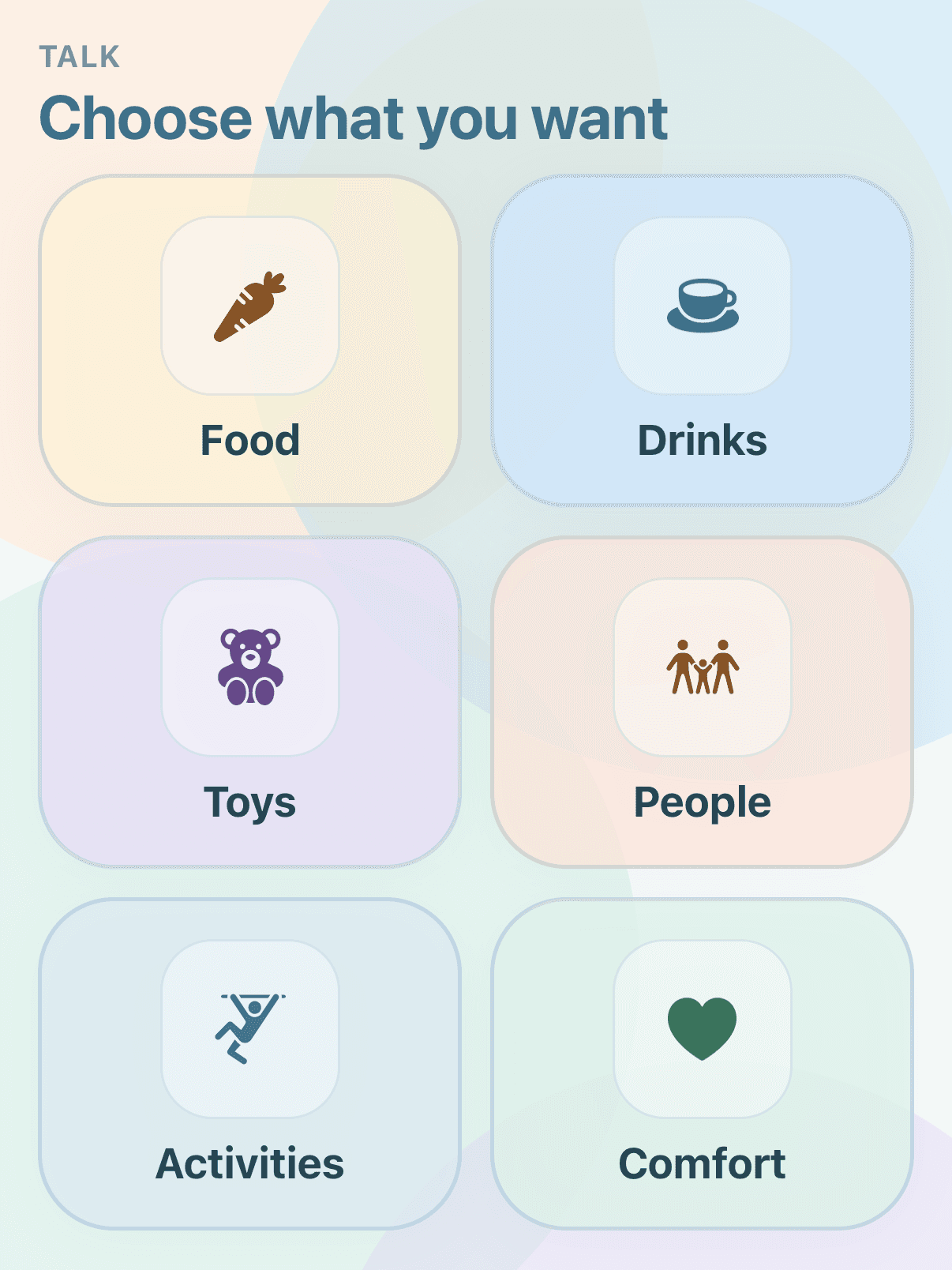
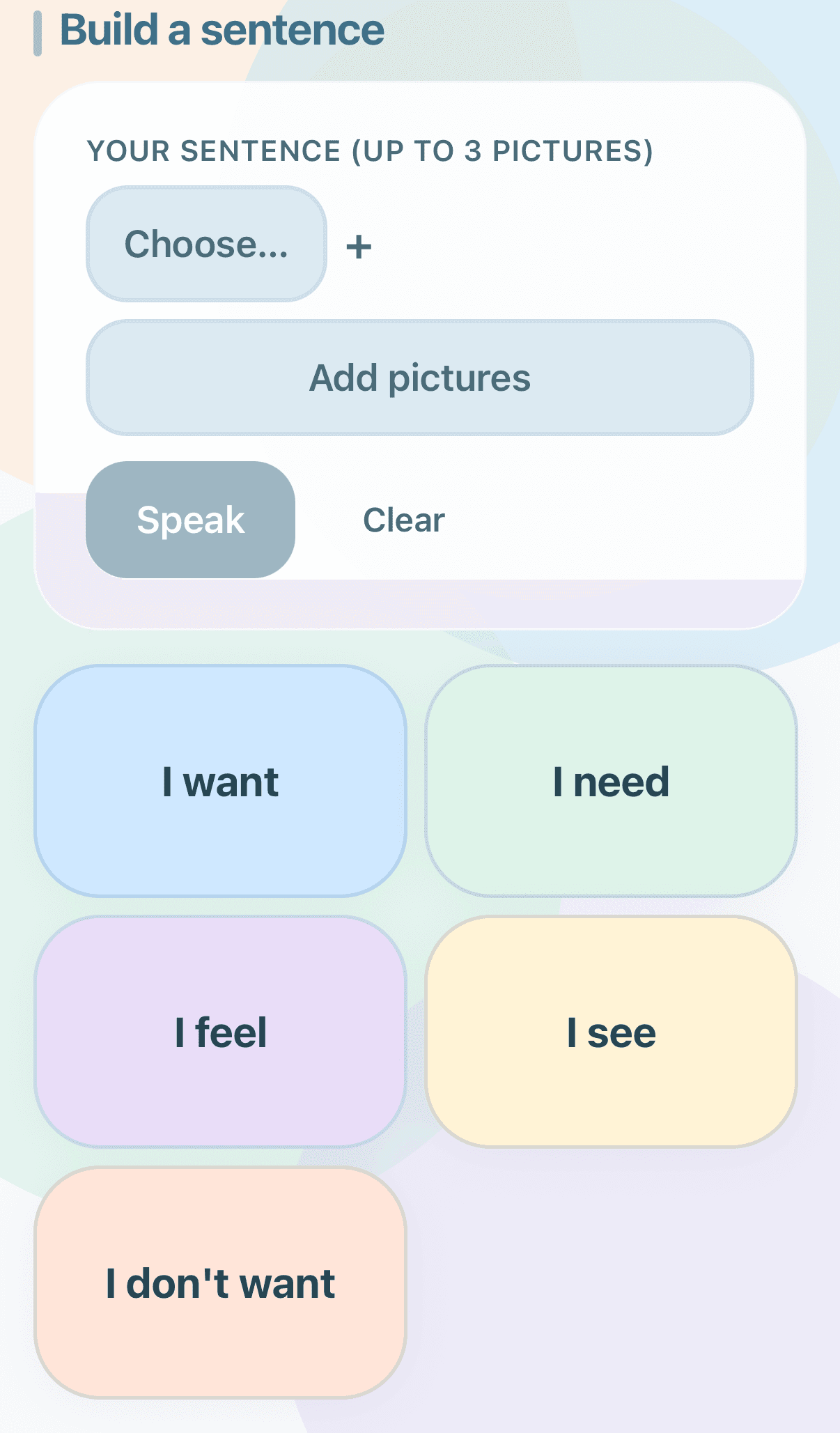
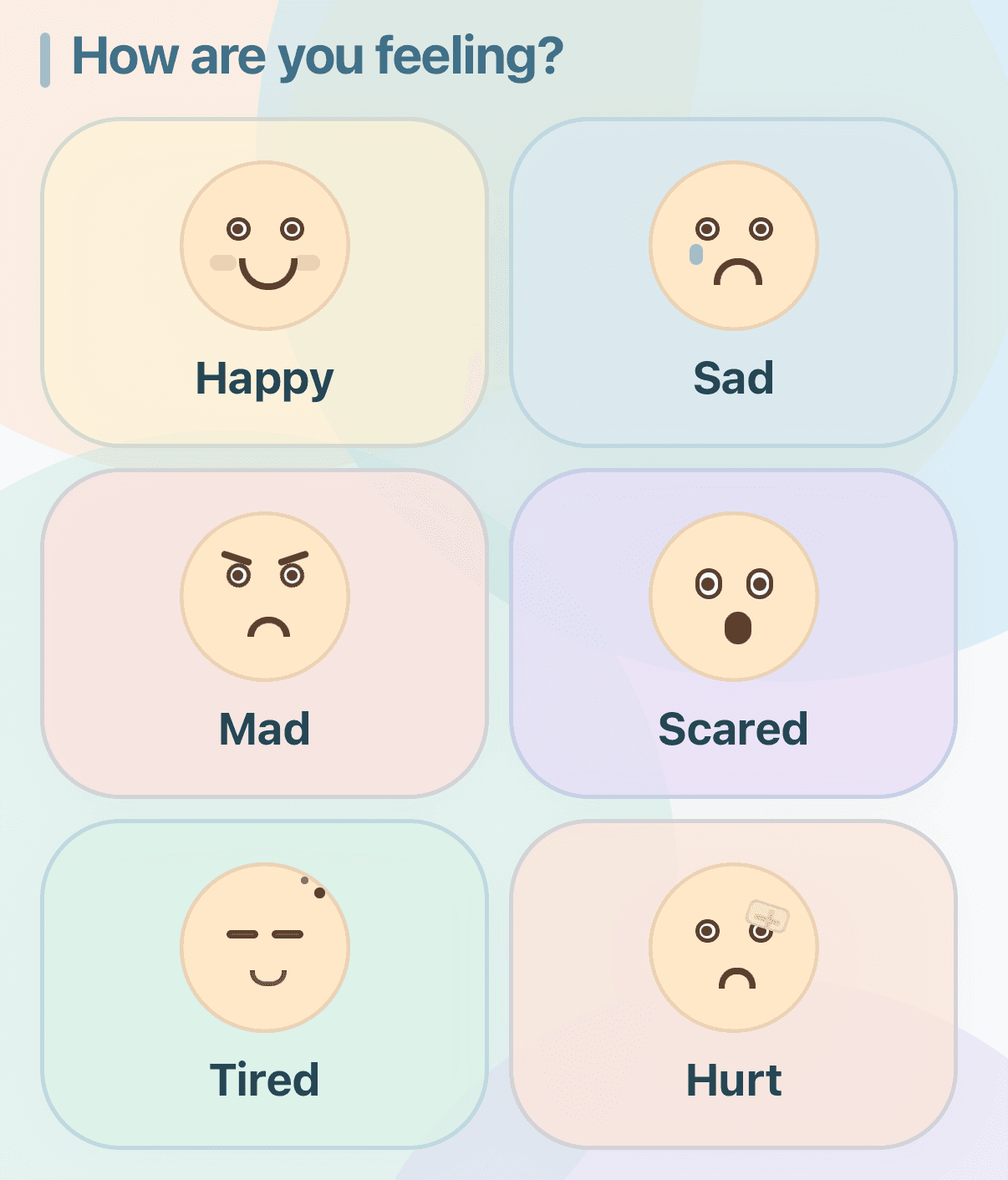
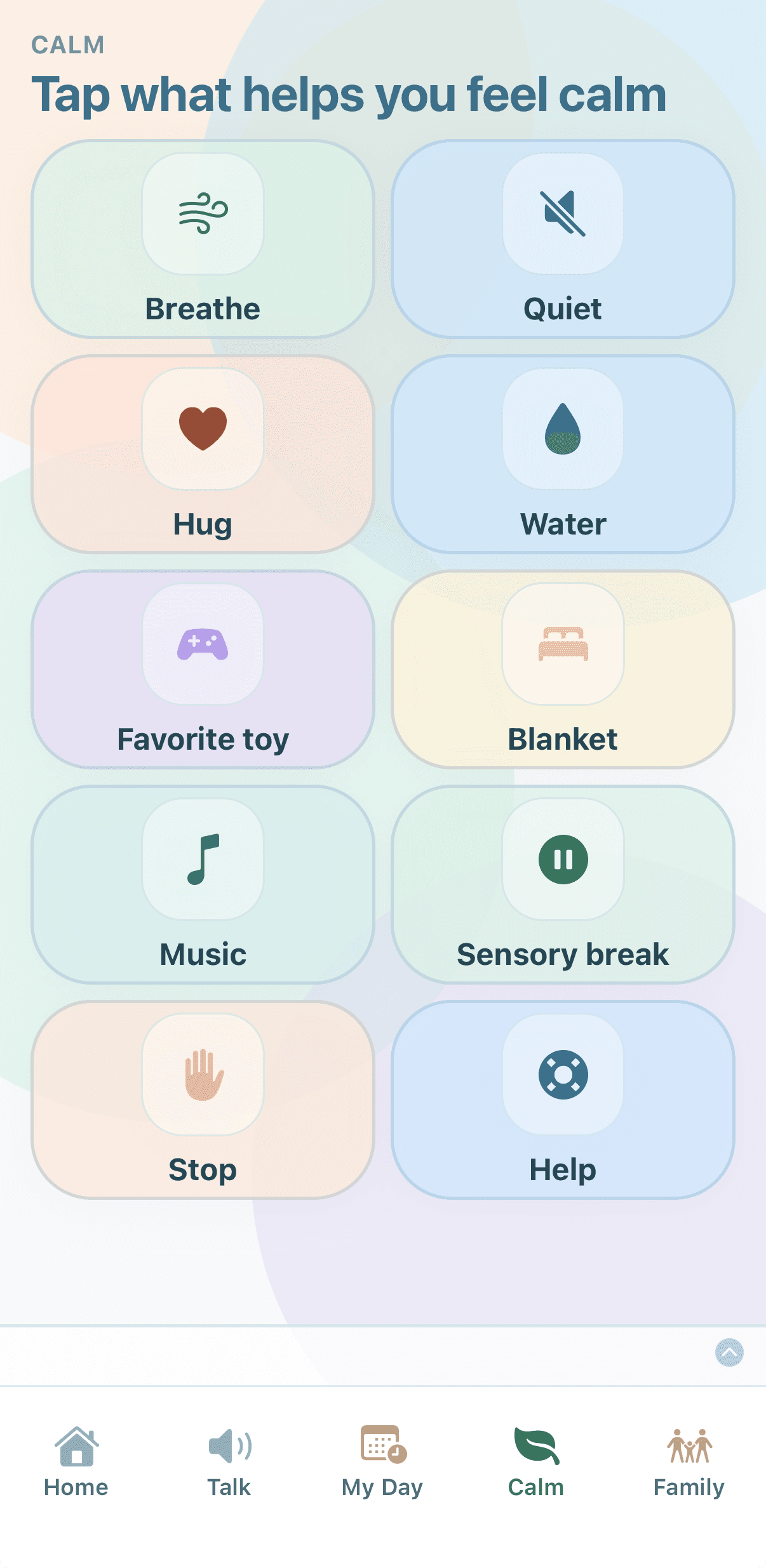
Talk categories, sentence starters, labeled feelings, and Calm choices from the current app.
For families
Choose the pictures, wording, routines, and parent controls. BridgeVoice keeps those choices together in one child-facing experience.
Explore BridgeVoice for familiesBuild communication around the people, objects, choices, and routines that are part of daily life.
Keep labeled feelings and focused comfort choices available without adding a busy child-facing menu.
Arrange everyday steps in My Day and use First → Then when a simple sequence is useful.
Manage setup, optional connected features, and privacy choices from PIN-protected Parent Mode.
Why BridgeVoice exists
“Shakira is nonverbal. I built BridgeVoice so the people, pictures, and routines she knows best could become a clearer bridge between us — and so other families could feel more understood, too.”
Founder — and Shakira's dad
Specific controls, clearly explained
Parents choose the content, manage optional connected features, and protect setup with a Parent PIN.
Questions families ask
Core communication, saved photos, routines, and device speech are designed to remain available after setup without internet. Connected services are explained separately when they are used.
Communication photos are kept on the device for offline use. Parent-initiated sharing and optional connected features are explained before they are enabled.
Yes. Each tile has a display label and a spoken phrase, so the visible name and the communication can be tailored separately.
Configuration is protected by a parent-created PIN. Parent Mode stays open briefly after unlock so several setup changes can be made together.
BridgeVoice is preparing for iPhone and iPad first. Android is planned; join the launch list for availability updates.
No. BridgeVoice is a communication support tool, not a medical device, diagnosis, emergency service, or substitute for professional care and adult supervision.
Be there at launch
Join for availability updates and the opportunity to help test BridgeVoice before release.
Have a question instead?